
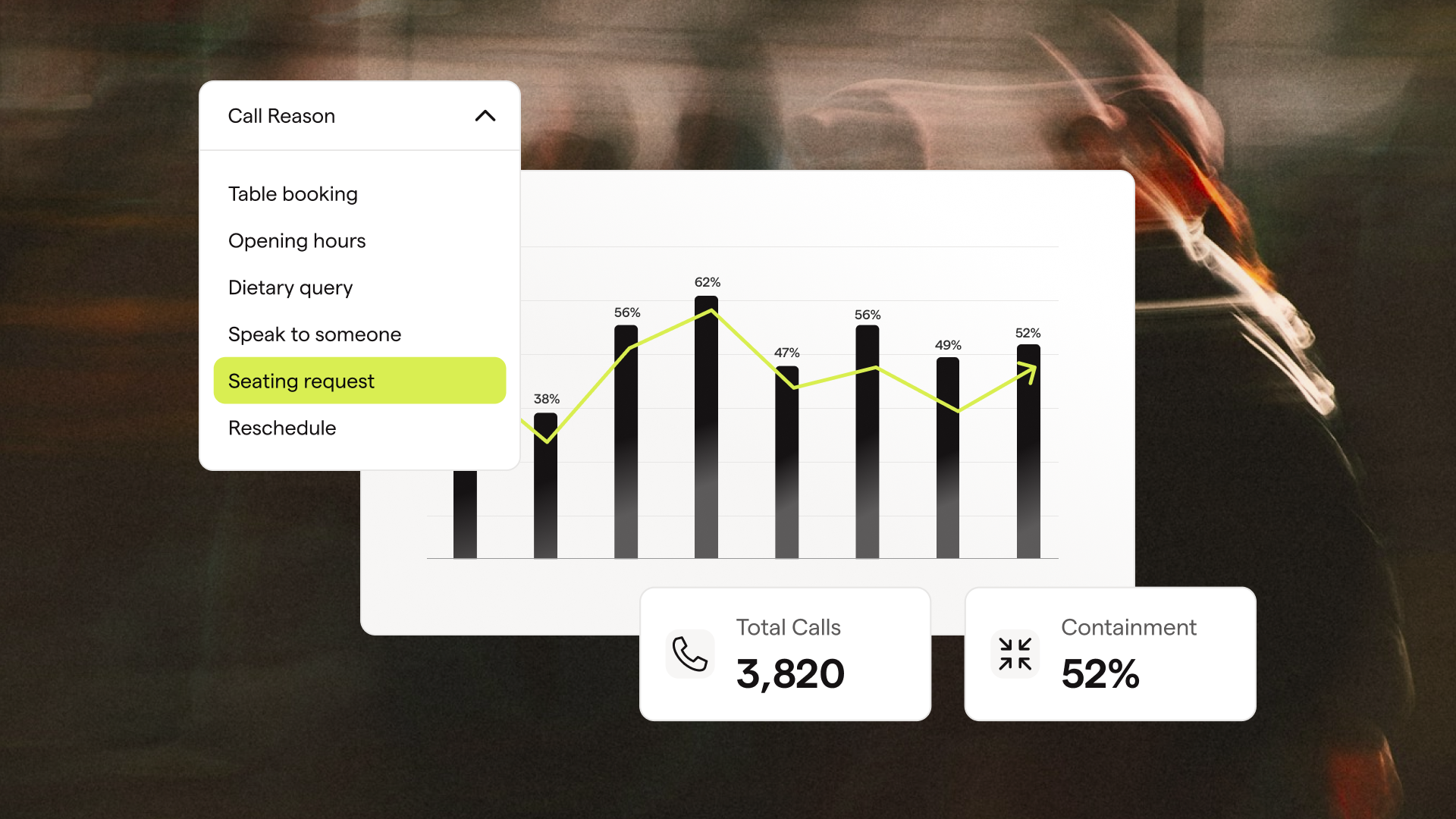
Containment rate is the metric that shows the share of calls an AI voice agent handles from start to finish without transferring the caller to a human, calculated as calls ended without a handoff divided by calls the AI answered. It gives you a clear starting point, though a basic containment rate counts a caller who hangs up in frustration, or calls back the next day, as a success, so on its own it tells you where a call ended and nothing about whether it went well.
A more honest version takes out the calls that only look contained: callers who hung up before they got what they needed, and callers who called back within a set window, such as the next day. This page calls that version contained without repeat contact. It still only tells you the call stayed with the AI, though. Resolution, where the caller's need was met in your system of record, is the number to manage, so read containment alongside it.
Containment rate definitions and related metrics
Vendors and contact centers use several related terms. Agree on the definitions before you compare any numbers.
| Term | Definition | What it misses |
|---|---|---|
| Containment rate | Calls ended without a transfer to a human ÷ calls answered by the AI | Whether the caller's need was met |
| Handoff (transfer) rate | Calls transferred to a human ÷ calls answered by the AI; the inverse of basic containment | Why the call was transferred |
| Abandonment on the AI | Calls where the caller hung up before the task finished ÷ calls answered by the AI | Whether the hang-up was a success (caller got the answer) or a failure |
| Resolution rate | Calls where the caller's need was met ÷ calls answered by the AI | Requires a judgment per call: a system event, a survey or a review |
| Contained without repeat contact | Contained calls with no repeat call from the same caller within a window ÷ calls answered by the AI | Repeat contacts on other channels, unless you join the data |
Our guide to call deflection and resolution sets out how we define resolution: the action completed in the system of record and confirmed by the customer.
PolyAI's documentation defines containment as the "percentage of calls handled without human handoff" and names handoff rate as its inverse. Google's Dialogflow CX API reports a live agent handoff rate ("percentage of sessions that were handed to a human agent"), an abandoned session rate ("percentage of sessions where user hung up"), a callback session rate, and a contained session no callback rate ("percentage of contained sessions without user calling back in 24 hours"). Amazon Lex V2 analytics categorize conversations as success, failed or dropped, and utterances as detected or missed.
How to calculate containment rate
The basic rate is in the table above. The version worth reporting subtracts the calls that only look contained. Here's the version we'd report, with its exclusions published alongside the number:
Contained without repeat contact = (calls answered by the AI − calls transferred to a human − calls abandoned before the task finished − contained calls followed by a repeat contact within the window) ÷ (calls answered by the AI − excluded calls)
Before you count, settle these five rules, because each one changes your number.
Which calls to count as answered by the AI
Count every call that reached the agent. Decide in advance whether to count calls routed to the AI on purpose only, or also calls that overflowed to it from a queue.
Which calls to exclude from containment rate
Spam, robocalls, wrong numbers and silent calls aren't a fair test of the agent, and removing them is reasonable. State the rule, for example "calls under 5 seconds with no caller speech", and report how many calls it removes. Spam can be a large share of traffic: Audibel reports that spam calls and autodialers "once made up nearly half of inbound traffic". Don't exclude calls because the agent failed them.
How to count transferred calls
Any call that reached a human counts against containment, including calls where the AI did most of the work first. Report those separately as "assisted" calls if you want to show their value; our ROI guide shows how to value them.
How to treat abandoned calls
A caller who hangs up after getting an answer has been served. A caller who hangs up halfway through a booking hasn't. Separate the two using a system event (the booking was written, the payment taken, the answer given) or, failing that, a sample of reviewed calls.
How to count repeat contacts
Match each contained call against later calls from the same number or account within a fixed window. 24 hours is common and matches the Dialogflow CX metric; 7 days catches more failures for billing and claims. If you can join data across channels, include chat and email repeats too.
How to measure containment rate by intent
A single overall containment rate hides what's happening underneath. If more callers phone about order status during a seasonal peak, the rate climbs even though the agent hasn't improved at all. Report containment for each intent (order status, appointment change, payment, outage report, account change) and weight the overall rate by call volume, so you can see where to invest next and a surge in easy calls doesn't pass for progress.
Intents differ in how much the AI can finish alone:
- Information requests (opening hours, order status, policy questions) can be fully contained when the answer is in a knowledge base or a system the agent can query.
- Transactions (bookings, payments, address changes) can be contained when the agent has write access to the system of record and can verify the caller's identity.
- Judgment calls (complaints, exceptions, vulnerable customers) often should go to a person. A low containment rate on these intents may be the right design.
Common containment rate mistakes to avoid
- Making transfers hard. An agent that ignores requests for a human, or loops before transferring, raises containment and lowers satisfaction. Track the share of explicit requests for a person and how many turns it takes to honor one, and report it next to containment. Our post on call transfer rate covers why calls get transferred in the first place.
- Counting hang-ups as success. Without a system event or review, a caller who gives up looks the same as one who was served.
- Changing the denominator. If you exclude more call types over time, containment rises even though the agent hasn't improved. Freeze your exclusion rules, and when you do change them, restate past results on the new basis so the trend stays comparable.
- Measuring only the AI's part. A contained call that books the wrong appointment creates a second call and a bad experience, so check outcomes in the system of record.
How to improve containment rate for an AI voice agent
These seven steps raise containment rate by fixing the reasons callers transfer, starting with what your handoff data shows.
Analyze handoff reasons to find what to fix first
Grouping transferred calls by reason shows what to fix first: missing knowledge, missing system access, caller preference, recognition errors or policy. PolyAI's documentation lists "knowledge gaps, complex queries, caller preference for humans, technical errors" as common causes of low containment. PolyAI's Wren agent reads real production conversations for these patterns and proposes fixes that a person approves. PolyAI's Wren filed more than 6,000 recommendations in 30 days. Brian Jeppesen, Director of Contact Centers at Golden Nugget, reported "a 33% increase in bookings, 10% increase in resolution rate" over the 24 hours after the changes.
Fill knowledge gaps in your AI voice agent
Add the answers callers asked for and the agent didn't have.
Give your agent access to your systems of record
Many transfers happen because the agent can see but not change a record. Write access to bookings, orders or accounts moves transactions from "assisted" to "contained".
Verify caller identity during the call
Authentication by account details, one-time passcode or caller ID lets the agent complete account-specific tasks.
Offer self-service before transferring to a human
Where policy allows, offer a text link or a callback before transferring. With PolyAI, your agent can send an SMS with a link, confirmation code or appointment details during the call from a message template, so the caller finishes the task without waiting for a person.
Test changes with simulated calls before release
Run simulated conversations against the changed agent to check that a fix for one intent hasn't broken another. Dialog Studio includes simulation tests, which run "automated conversations" from written caller scenarios, with assertions that pass or fail.
Re-measure containment rate by intent
Confirm the change moved the intent you targeted, with repeat contacts subtracted.
Containment rate metrics to report each month
Report these seven containment rate metrics together each month, so a rising number always comes with proof that callers were served.
- Resolution by intent, confirmed in the system of record.
- Containment rate by intent and overall, with the exclusion rules stated.
- Contained without repeat contact (24 hours and 7 days).
- Handoff rate and top handoff reasons.
- Requests for a human, and average turns to honor them.
- Abandonment on the AI, split into served and unserved where you can tell.
- Customer satisfaction on AI-handled calls, from a post-call survey or a reviewed sample.
Why resolution matters more than containment rate
Containment rate tells you where a call ended, and resolution tells you whether the caller got what they came for. That makes resolution the number to manage to. Measure both by intent, take out hang-ups and repeat contacts, write your exclusion rules down, and report the pair every month. You'll see which intents your agent finishes on its own, which ones belong with a person, and where the next improvement will pay off most.
To see how PolyAI reports resolution by intent on your own calls, speak to our team.
Frequently asked questions about containment rate
What is containment rate in a contact center?
It's the share of calls an AI voice agent or IVR handles from start to finish without transferring the caller to a human. A reliable version also removes abandoned calls and calls followed by a repeat contact within a set window.
How is containment different from resolution?
Containment says the call stayed with the AI. Resolution says the caller's need was met. A call can be contained and unresolved, for example when the caller hangs up and calls back. Measure both.
What is a good containment rate for an AI voice agent?
It depends on the intents in scope, so compare like with like: a rate across every call into a business will be lower than one for a single intent such as order tracking. Ask any vendor which calls were in the denominator and whether repeat contacts were subtracted.
Should abandoned calls count as contained?
Only if the caller was served before hanging up, which you confirm with a system event or a reviewed sample. Otherwise count them separately.
How long should the repeat-contact window be?
24 hours is common, and Google's Dialogflow CX API uses it in its contained session no callback metric. Seven days catches more failures for billing, claims and orders.
Can containment be too high?
Yes, if it's achieved by making it hard to reach a person. Report requests for a human next to containment.